
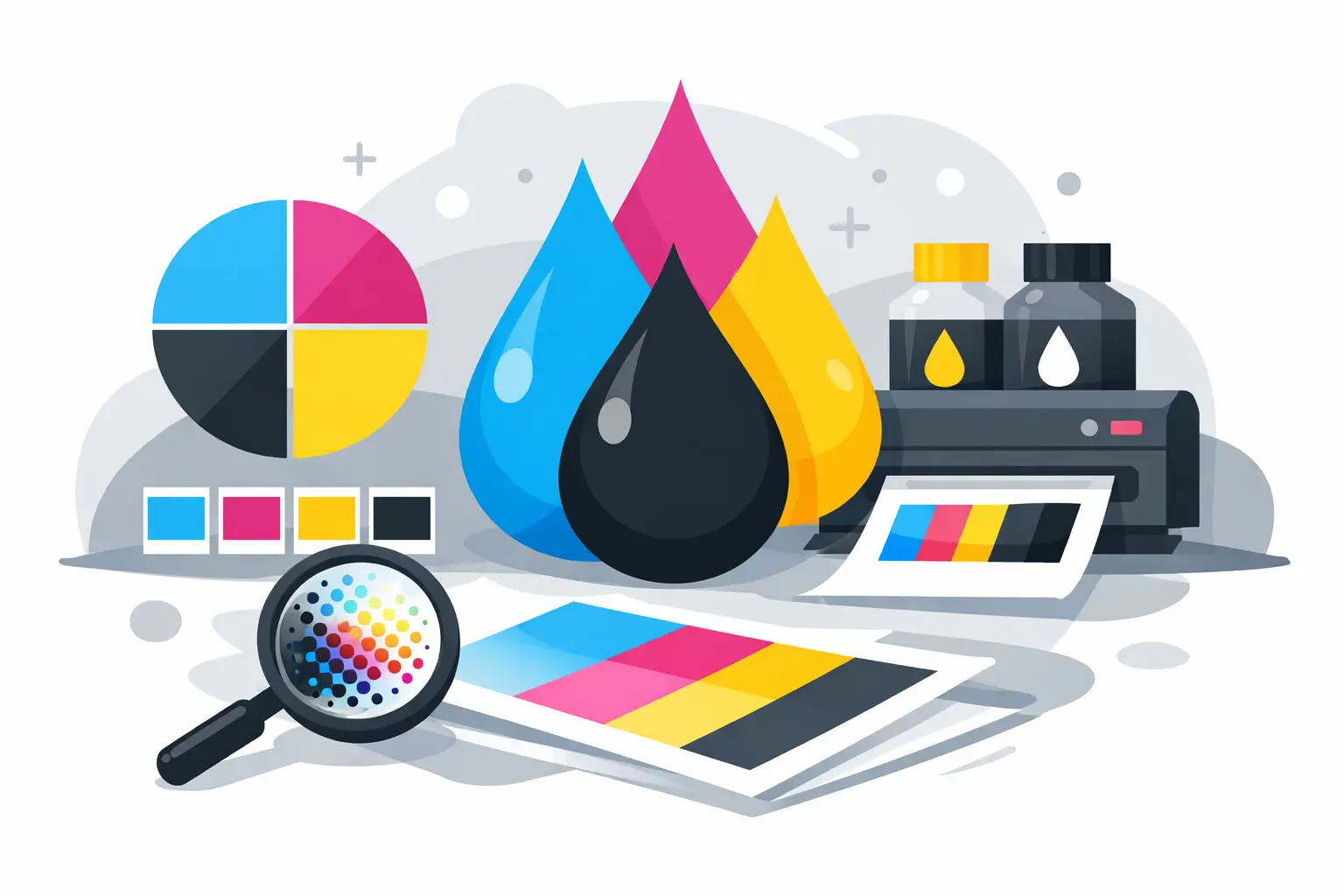
If you have ever approved a sticker proof on screen and then wondered why the printed color looked a little different in your hand, this is where the answer usually starts. What is CMYK printing? A beginner’s explainer should make one thing clear right away: CMYK is the standard color process used to print most business materials, including labels, service reminder stickers, flyers, signs, and business cards.
For auto shops, dealerships, and other service businesses, that matters because printed color is not just decoration. It affects brand consistency, readability, and how professional your materials look at the counter, on a windshield, or in a customer’s hand. If you order printed products regularly, understanding CMYK helps you make better decisions and avoid surprises.
What is CMYK printing?
CMYK stands for cyan, magenta, yellow, and key, which means black. These four ink colors are combined in different percentages to create a wide range of printed colors.
A printer does not lay down every color as its own separate ink in standard process printing. Instead, it builds color by placing tiny dots of cyan, magenta, yellow, and black close together. From a normal viewing distance, your eye reads those dots as a full-color image.
That is why a bright red logo, a dark blue background, or a photo on a promotional flyer can all be produced from the same four-process system. It is efficient, widely used, and well suited to the kind of repeat-order print products many businesses rely on every day.
Why CMYK is used for most printed products
CMYK is the practical standard because it balances quality, speed, and cost. For most commercial printing, it gives reliable results without requiring a custom ink for every job.
That is a big advantage for operational print products. If you are ordering oil change stickers, maintenance reminder labels, dealership decals, business cards, or counter handouts, CMYK keeps production flexible. You can print logos, text, simple graphics, and even photos in one process.
It also works well across a broad range of materials. Paper stocks, adhesive labels, magnets, and many signage applications are commonly printed using CMYK or a closely related full-color process. For businesses that reorder often, that consistency helps.
How CMYK printing actually works
The simplest way to think about CMYK is layering. Each of the four inks adds part of the final image.
Cyan contributes blue-green tones. Magenta handles red-purple tones. Yellow adds warmth and brightness. Black adds depth, contrast, and sharp detail, especially in text.
Without black, printed text and dark areas would often look muddy because cyan, magenta, and yellow alone do not create a clean, strong neutral dark in the same way. Black improves legibility, which is a major reason it matters so much for business printing.
In practical terms, when your service reminder sticker has black writing, colored branding, and maybe a small logo image, the print file is separated into CMYK values. The press or digital printer then reproduces those values with the four inks.
CMYK vs RGB: why screens and print don’t match perfectly
This is the part that causes the most confusion. Screens use RGB, which stands for red, green, and blue. Print uses CMYK. They create color in different ways.
RGB is light-based. Phones, tablets, and monitors emit light, so colors often appear brighter and more vivid on screen. CMYK is ink-based. Ink reflects light rather than producing it, so some colors that look intense on screen cannot be reproduced exactly in print.
This is especially noticeable with very bright blues, greens, oranges, and neon-looking colors. A logo that pops on a backlit monitor may print slightly flatter or darker. That does not mean the print is wrong. It usually means the original color was created in a wider screen color range than standard print can reproduce.
For beginners, the key point is simple: if a design is meant for printing, it should be prepared with CMYK in mind from the start.
What is CMYK printing? A beginner’s explainer for business buyers
If you are not a designer, you do not need to memorize color theory. You just need to know how CMYK affects the products you order.
First, it affects brand color accuracy. If your dealership blue or shop red is central to your branding, you want artwork set up properly for print. Second, it affects readability. Color combinations that look fine on screen may lose contrast once printed. Third, it affects expectations. A proof viewed on a monitor is a guide, not a perfect prediction.
For repeat-use products, this matters even more. Service stickers, reminder labels, and branded print pieces should look consistent from one batch to the next. A dependable print supplier will account for that, but clear files and realistic color expectations still make a difference.
Where CMYK performs well
CMYK is a strong fit for most everyday commercial printing. It handles logos, photos, gradients, branding elements, and mixed layouts efficiently.
For example, if you need promotional flyers with photos of your facility, business cards with your logo, or branded reminder stickers with multiple colors, CMYK is usually the right approach. It is also ideal when you want full-color output without paying for separate custom inks.
For many business applications, the results are more than good enough. In fact, they are the standard customers already expect.
Where CMYK has limits
CMYK is versatile, but it is not perfect for every job. Some colors sit outside the CMYK range, especially fluorescent, metallic, and very saturated brand colors.
That is where trade-offs come in. If exact color matching is critical, a special spot color system may be a better choice than standard four-color process printing. But spot colors can increase setup requirements and cost, and they are not always necessary for routine operational materials.
It depends on the job. For a daily-use service label, practical consistency and quick production may matter more than a perfect specialty color match. For a high-visibility brand piece, color precision may deserve closer attention.
Common CMYK mistakes beginners make
The most common issue is supplying RGB artwork for a print job and expecting it to look identical when printed. Another is using colors with very low contrast, such as light gray text on a pale background. On screen that may seem clean and modern. In print, it can become hard to read.
Low-resolution artwork is another problem. CMYK cannot fix a blurry logo or pixelated image. If the source file is weak, the printed result will show it.
Small text reversed out of dark color can also be tricky. For example, white text inside a rich CMYK background may need careful setup to stay sharp. That is not a reason to avoid color. It is just a reason to build print files properly.
How to get better CMYK print results
Start with print-ready artwork whenever possible. If your designer is creating files for stickers, labels, signs, or cards, they should work in CMYK color mode from the beginning.
Use high-resolution images and vector logos. Keep important text in strong, readable colors. If your brand color is very specific, ask your printer how closely it can be reproduced in CMYK and whether another method is worth considering.
It also helps to view digital proofs realistically. A screen proof is useful for layout, spelling, and general color direction, but it is not the same as a finished printed sample under normal lighting.
This is one reason experienced print suppliers are valuable. At StickerPlanet Canada, practical print knowledge matters because customers are not ordering for display alone. They are ordering tools their business uses every day, and color consistency is part of that reliability.
Why this matters for stickers, labels, and service print
In an automotive service environment, printed materials have a job to do. A reminder sticker needs to be clear. A tire label needs to be readable. A branded handout or decal needs to look professional and consistent with the rest of your business.
CMYK printing supports that by giving you a flexible, cost-effective way to produce color materials at scale. It lets you combine logos, text, icons, and graphics in one print process without overcomplicating the job.
And for most shops, that is the real point. You do not need print theory for its own sake. You need printed products that look right, communicate clearly, and arrive ready to use.
When you understand CMYK, you are in a better position to approve artwork confidently, ask smarter questions, and get results that hold up in day-to-day business. That is usually all a beginner needs to start making better print decisions.